How to Reuse a Familiar Character in New ReadyTales Stories
Reuse the same ReadyTales character in a new story, keep multi-character illustration styles compatible, and review every result before sharing.
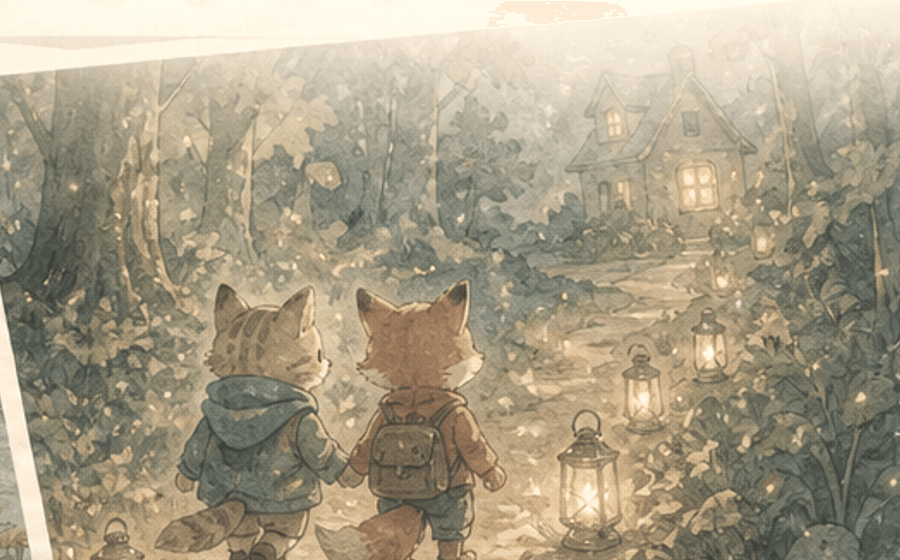
When a child wants another adventure with the same character, ReadyTales lets you start with an existing ready character. Use this workflow to keep the cast visually compatible and review every new story before sharing it.
Select the same ready character for each new story
ReadyTales tells families to choose a familiar character and describes that character as one a child can remember from story to story. In the composer, at least one ready character must be selected before generation can proceed. The flow uses the selected cast when preparing a story draft and includes the selected character IDs in the new-story input. For a new idea, begin by selecting the same ready character rather than starting the cast over. [3]
Next step: Open the story composer, select the familiar ready character, and then enter the new moment or story prompt. [3]
- At the character step, select an existing ready character; the composer blocks generation when no character is selected. [3]
- Keep that character selected while changing the moment, family details, or story prompt for the next story. [3]
Keep a multi-character cast visually compatible
ReadyTales also checks illustration style when a parent selects more than one character. The composer rejects a mixed-style cast and asks the parent to choose characters with the same illustration style so the story art stays consistent. It then uses a selected style with the cast while generating a draft. For a recurring main character, choose supporting characters that meet this compatibility check before generating. [3]
Next step: Before generating, confirm the selected cast uses one illustration style; if the app flags a mismatch, return to the cast and choose a compatible ready character. [3]
- Keep one familiar lead selected when continuity matters most; the composer uses the selected cast in the story-generation flow. [3]
- If adding another ready character, choose one with the same illustration style; the composer rejects mixed styles. [3]
Review every new story before sharing it
Recurring character selection is a useful start, but it does not remove the need for adult review. ReadyTales’ Terms say AI-generated content may be incomplete, inaccurate, inappropriate, repetitive, or similar to content made for other users, and say to review all content before reading it to a child or sharing it. The Trust & Safety page adds accuracy, tone, age fit, and context as checks for families. Read the new result before making it part of the child’s familiar-character series. 4 5
Next step: Before reading, review the new story’s accuracy, tone, age fit, and context with the Trust & Safety guidance in mind. 5
What to do next: For the next story, choose the same ready character first, use compatible illustration styles if you add a cast member, then review the generated output for accuracy, tone, age fit, and context before reading it with your child. [3] 5
- Review the completed text and images before reading or sharing them; this is explicit in the ReadyTales Terms. 4
- Use the Trust & Safety checks—accuracy, tone, age fit, and context—on each newly generated story. 5
When you are ready, start a new ReadyTales story and select the familiar character first.
Frequently asked questions
Is there some kind of AI storytelling app/ bookmaker?
ReadyTales lets a parent choose a familiar character as the starting point for a story, and the composer requires at least one selected ready character before it can proceed. The flow uses the selected cast to prepare a draft and includes selected character IDs in the new-story input. For another story, select the same ready character again, then change the moment or story idea. Review the generated story before reading or sharing it because ReadyTales says AI output can be incomplete, inaccurate, inappropriate, or repetitive. [3] 4
Would it be able to create multiple stories with the same characters?
ReadyTales’ flow explicitly describes a chosen familiar character as one a child can remember from story to story. For each new story, start in the composer and select that same ready character. If you choose more than one character, the composer requires the selected characters to share one illustration style so the story art stays consistent. That is the supported setup for reusing a familiar cast across separate story ideas, and a parent should still review each generated result before reading it with a child. [3] 4
Sources and research
- r/Parenting question about recurring story characters — r/Parenting, “Is there some kind of AI storytelling app/bookmaker?”, accessed July 18, 2026. Retrieved 2026-07-18.
- r/Entrepreneur question about multiple stories with one cast — r/Entrepreneur, “Personalized Children’s Bedtime Story App” comment, accessed July 18, 2026. Retrieved 2026-07-18.
- ReadyTales familiar-character story-composer flow — ReadyTales app source: familiar-character selection and story-composer flow, inspected July 18, 2026. Retrieved 2026-07-18.
- ReadyTales Terms review requirement for AI output — ReadyTales Terms of Service, AI-generated stories and narration, accessed July 18, 2026. Retrieved 2026-07-18.
- ReadyTales Trust & Safety family review guidance — ReadyTales Trust & Safety, family review guidance, accessed July 18, 2026. Retrieved 2026-07-18.